DIY Learning
Explore the skills we use in our projects and other hot topics in the world of tech.

Blender, Unity and HyperSkill Tutorials
Blender is a free, open-source 3D creation suite used for modeling, animation, rendering, and visual effects. It’s widely used in film, games, design, and art.
Unity is a leading game engine used to build 2D, 3D, VR, and AR experiences. It’s popular for its flexibility, real-time rendering, and cross-platform support.
Hyperskill by SimInsights is an AI-powered platform for creating and delivering immersive XR/VR training. It enables organizations to design interactive, hands-on learning experiences quickly and at scale.
Unity is a leading game engine used to build 2D, 3D, VR, and AR experiences. It’s popular for its flexibility, real-time rendering, and cross-platform support.
Hyperskill by SimInsights is an AI-powered platform for creating and delivering immersive XR/VR training. It enables organizations to design interactive, hands-on learning experiences quickly and at scale.
Email Professor Wu with your Mercer email for access to HyperSkill License and Meta Quest3 headsets!!
Machine Learning Tutorials
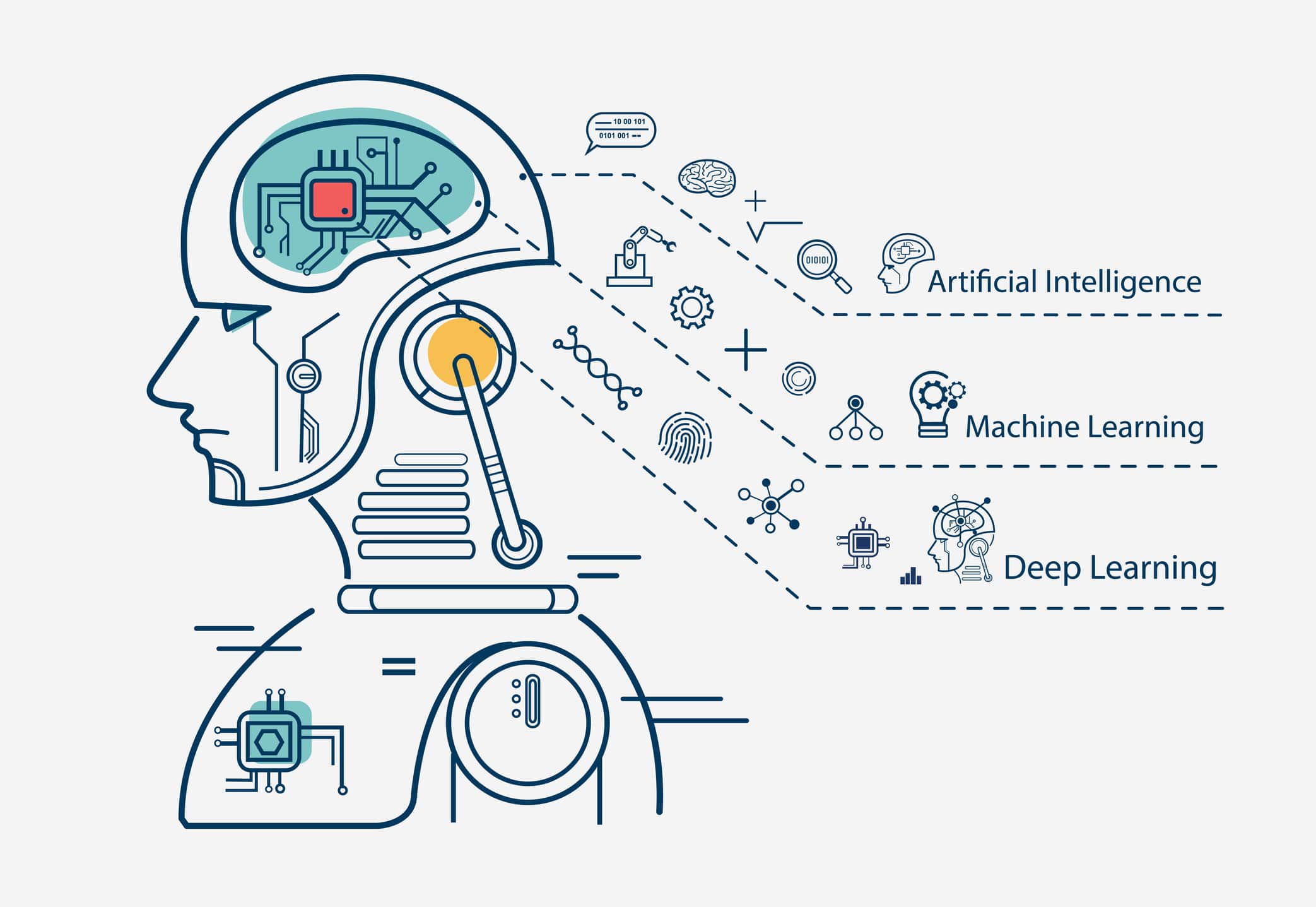
Learn the fundementals of machine learning from a Princton grad student.
AI Agents and Deep Seek
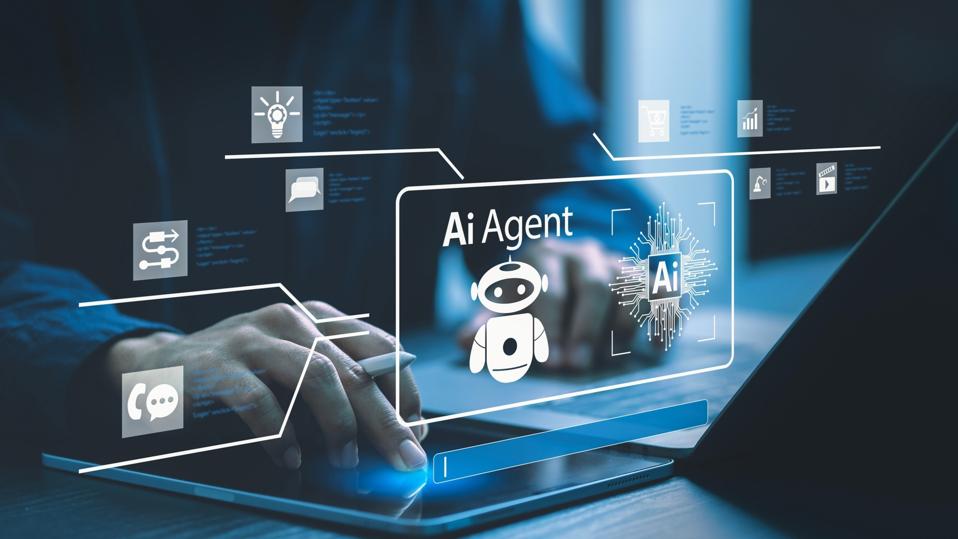
AI agents are systems that sense, decide, and act on their own. From voice assistants to robots, they power the smarter tech we use every day.
DeepSeek stands out for its strong reasoning, lower hallucination rates, and ability to handle longer contexts. It’s open and efficient, making advanced AI more accessible for real-world innovation.
DeepSeek stands out for its strong reasoning, lower hallucination rates, and ability to handle longer contexts. It’s open and efficient, making advanced AI more accessible for real-world innovation.

Quantum Computing
Quantum computing harnesses qubits and quantum mechanics to solve problems classical computers can’t — a revolutionary technology shaping the future of computing.
Microsoft’s Majorana chip uses exotic particles to make super-stable topological qubits, a big step toward powerful, reliable quantum computers.

Data Science Roadmap
Learn data science with this effective guide developed by our club team.
Build with AI Bootcamp
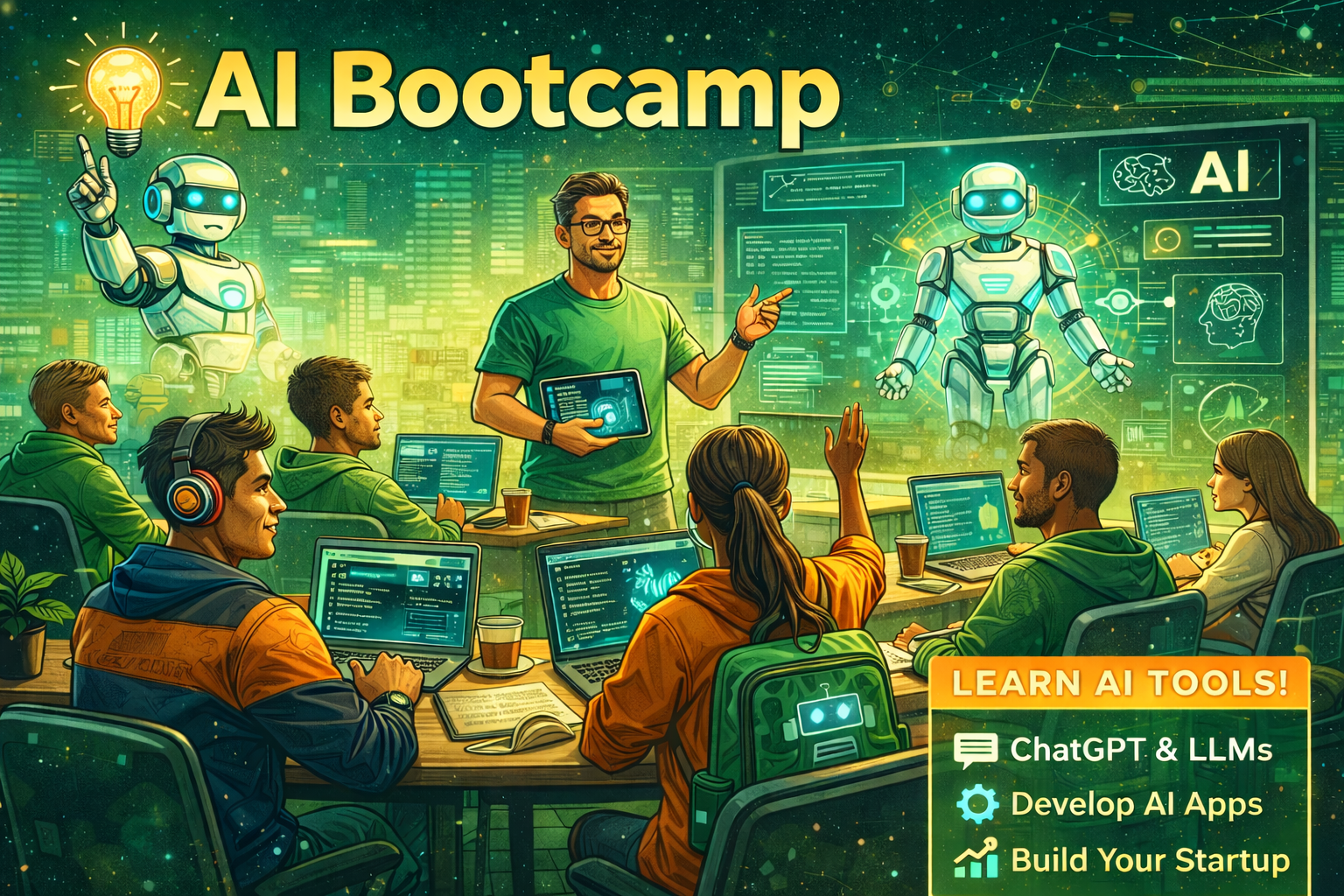
In Spring 2025, we hosted a 4-week bootcamp where students built projects using AI tools. The bootcamp covered everything from ideation to deployment, with workshops on prompt engineering, fine-tuning, and more.
See Flyer!
Project Showcase
Scroll left-to-right to explore projects built in the bootcamp. Each card is an image + short description.
Loading projects…
Read more
- Loading…
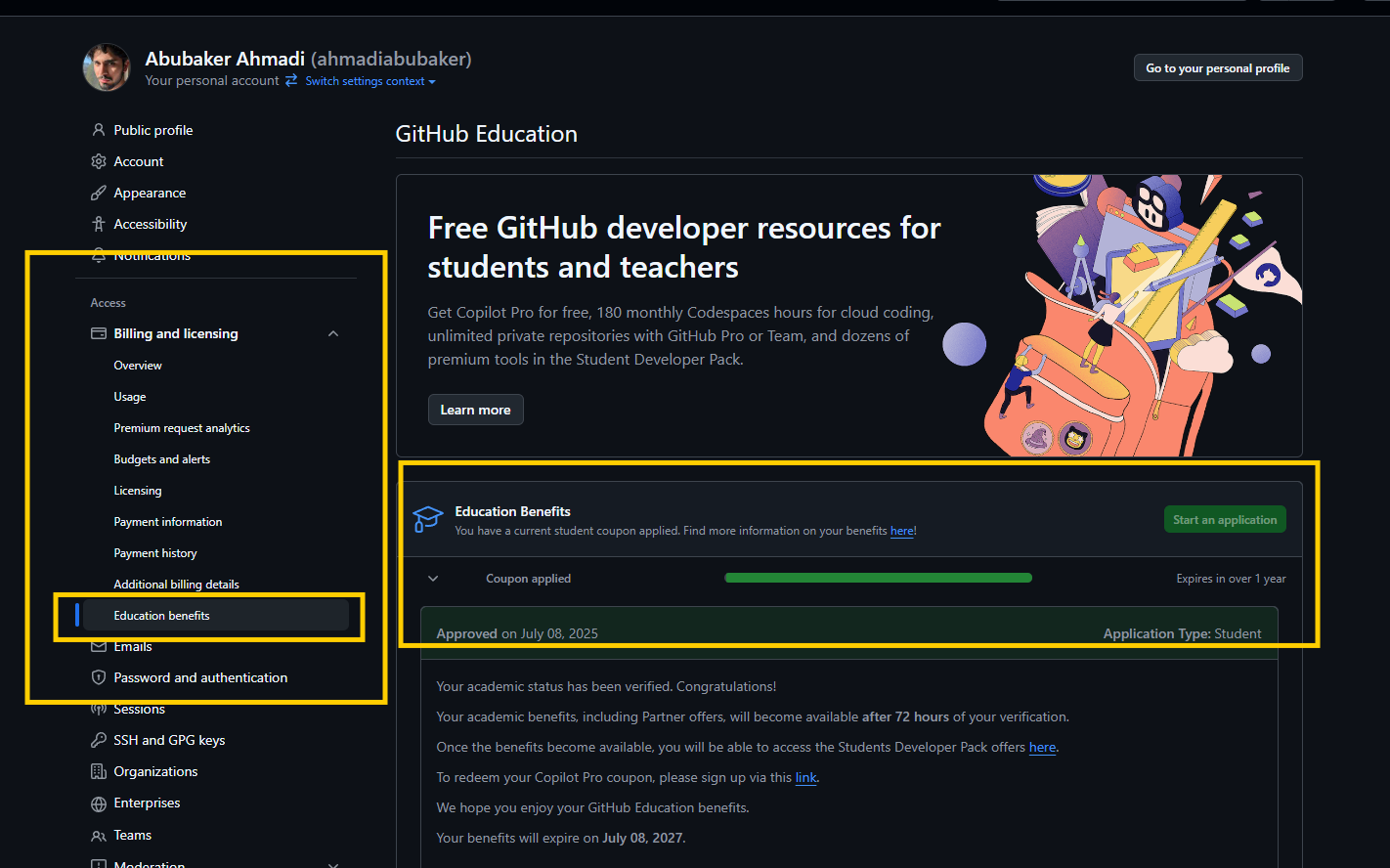
Instructions for getting a GitHub Student Developer Pack
-
Create a GitHub Account
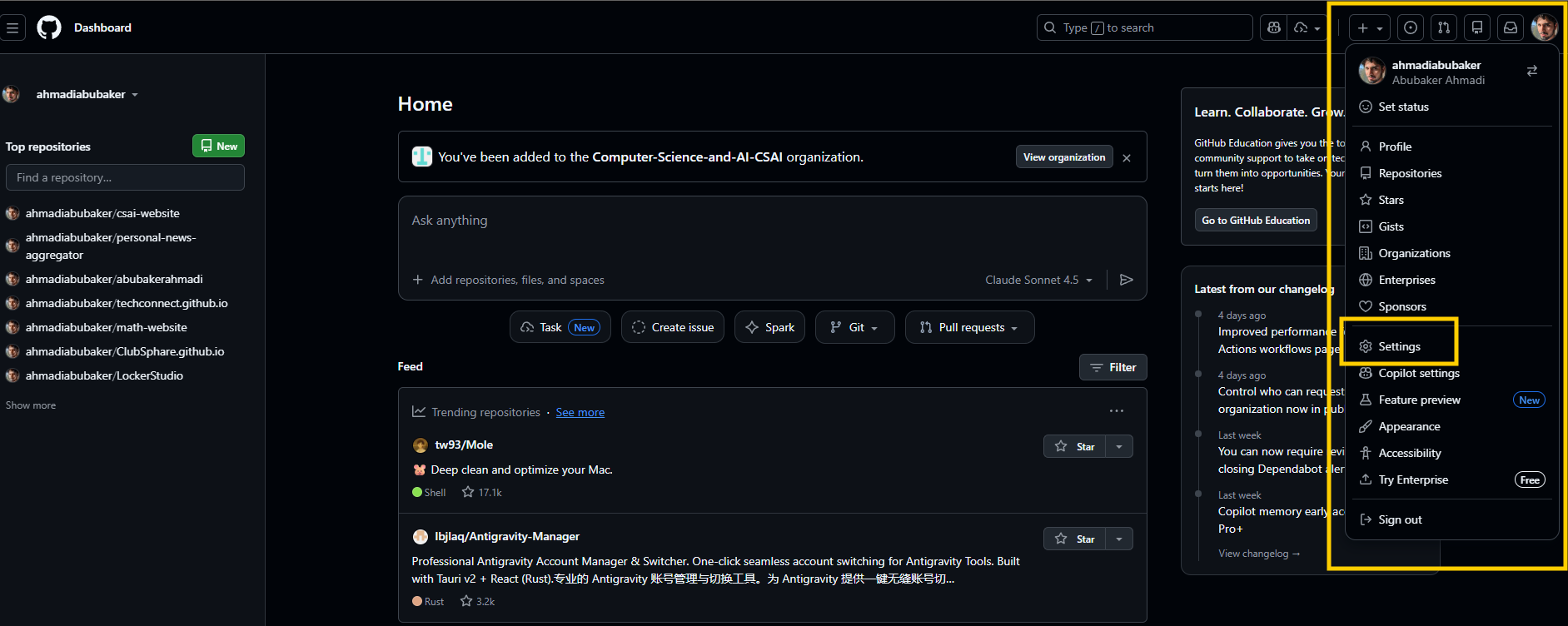
- Click Profile → Settings.
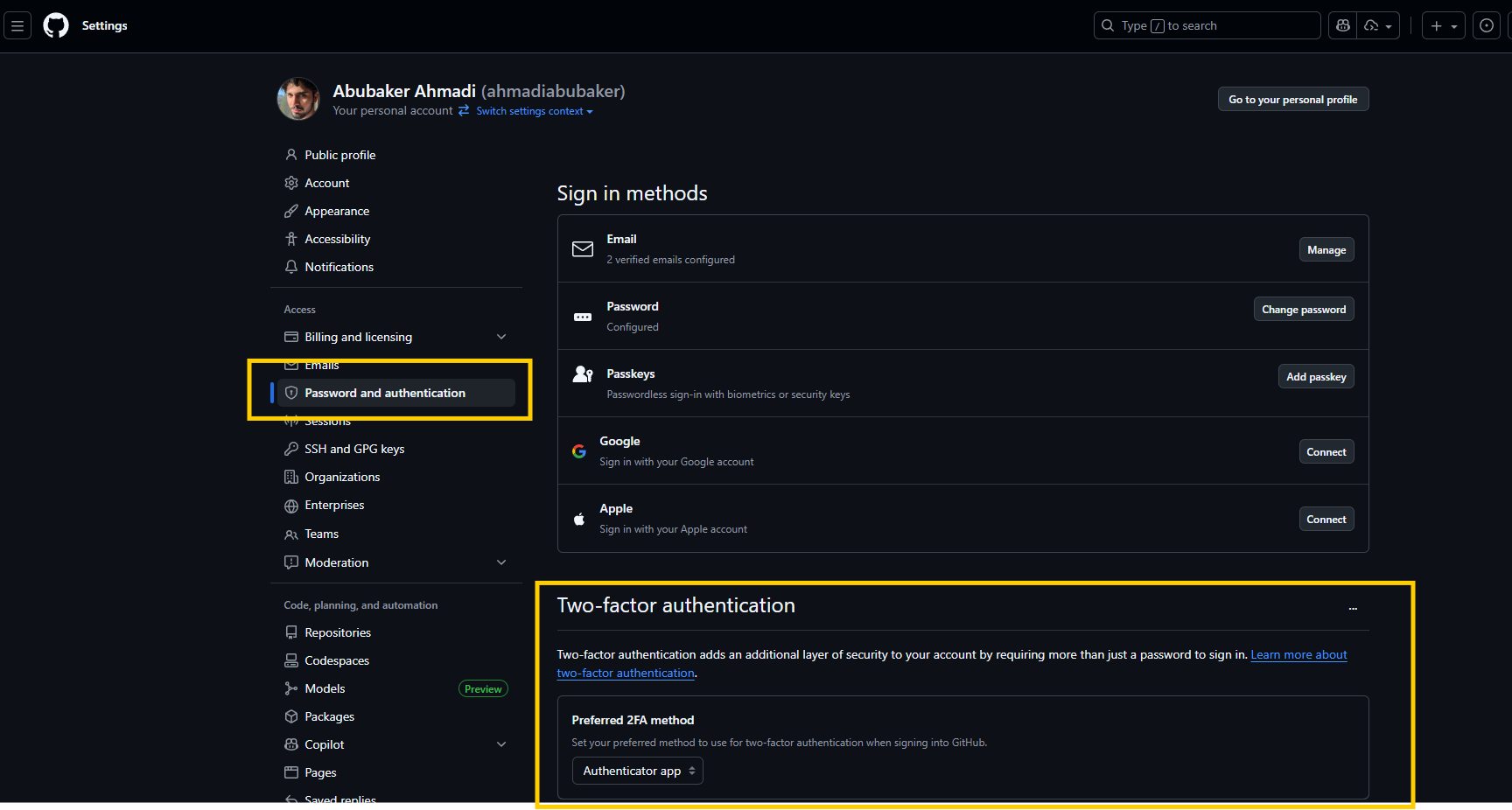
- Go to Password and authentication → enable 2FA (Two-Factor Authentication).
- Install the Google Authenticator app on your phone (required for 2FA).
- (Click to expand images)
-
Add Your Billing Address (No Credit Card)
- Click Profile → Settings.
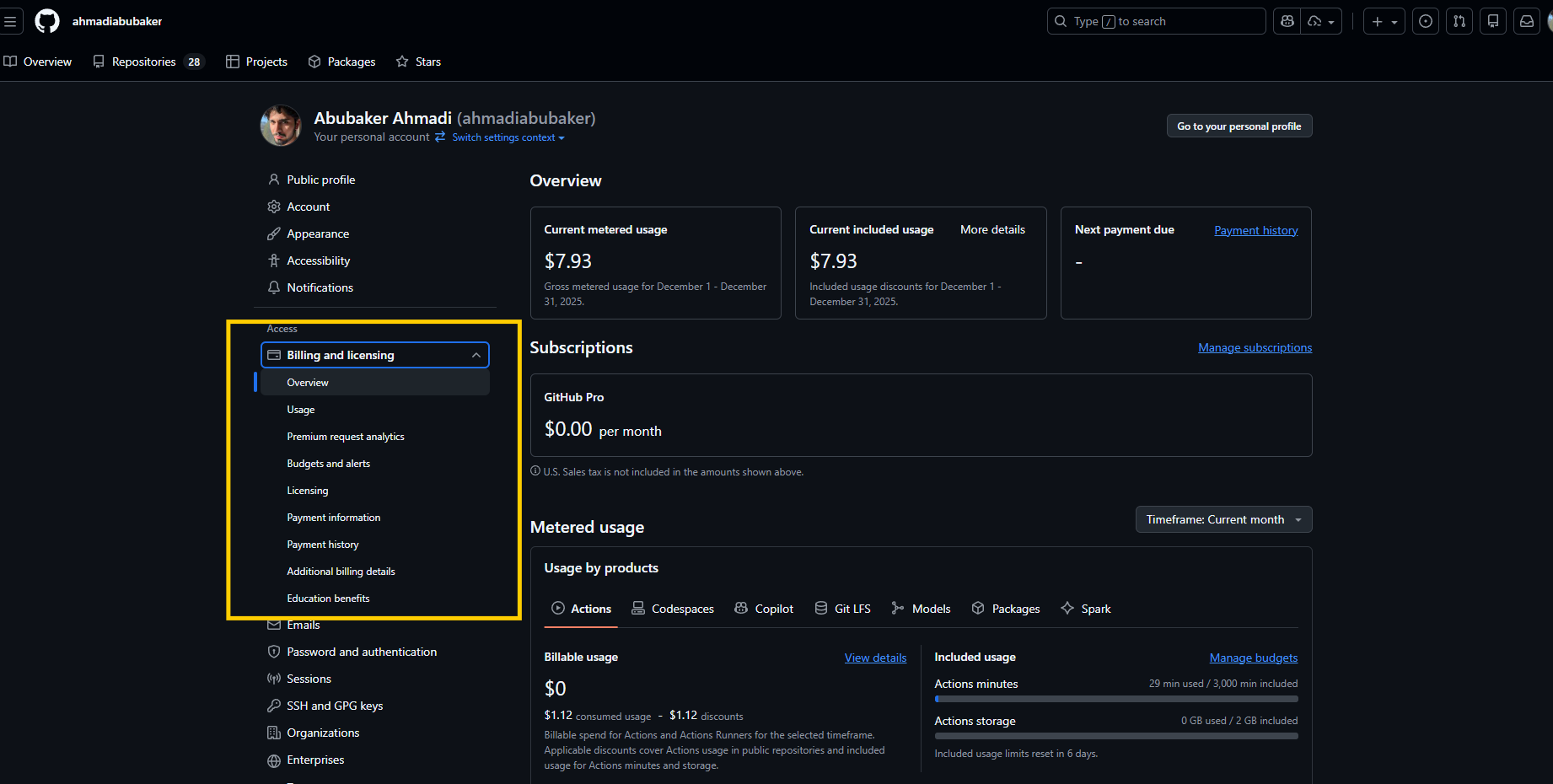
- Go to Billing and licensing.
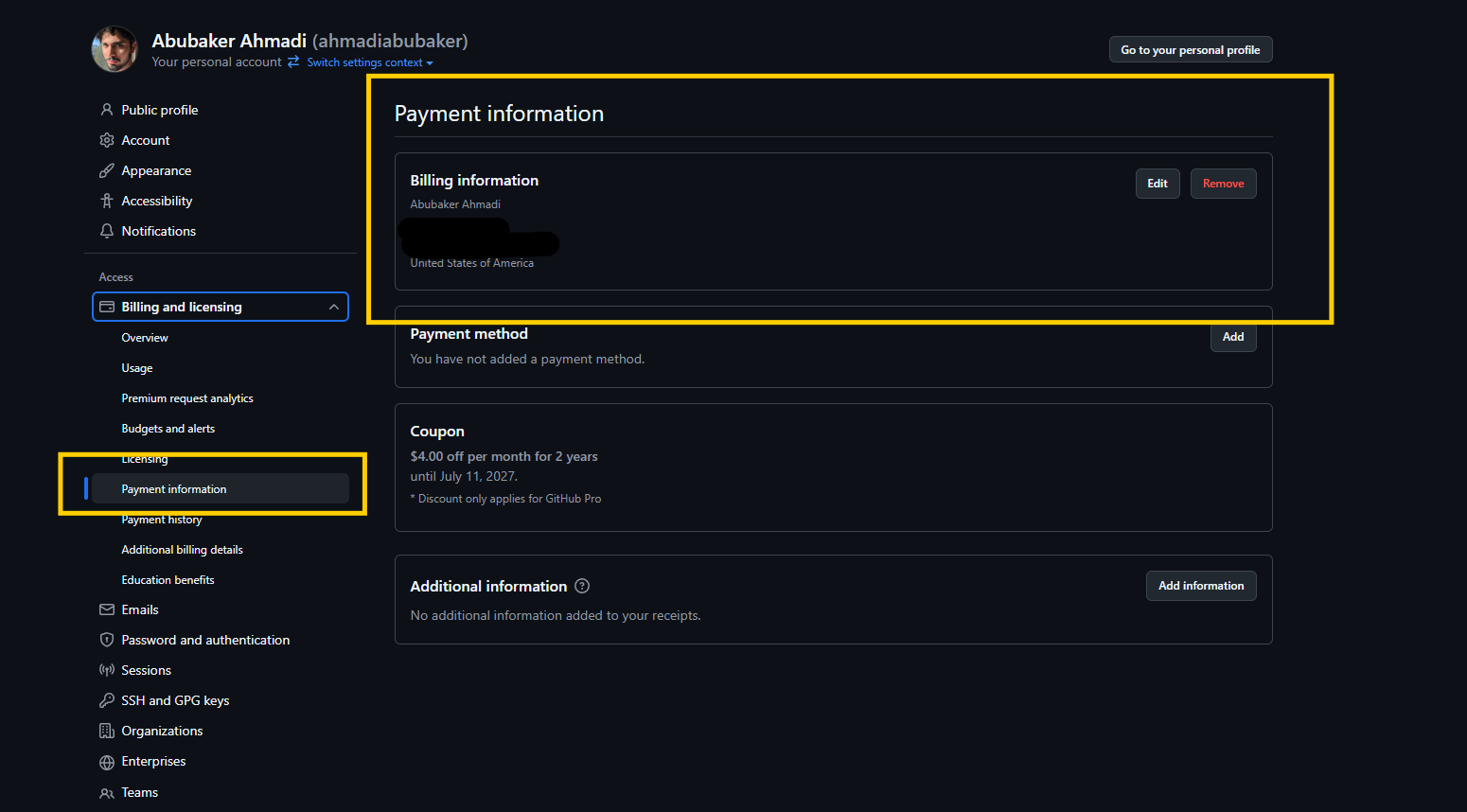
- Under the drop-down, click Payment history.
- Add your billing address. Do NOT add credit card info — only the billing address.
-
Apply for Education Benefits
- Under Billing and licensing, find Education benefits.
- Click Education benefits → Start application.
- If needed, add your school email under Emails.